BASICS · G01
your first render: leave it blank.
Upload a view, pick a light, nothing else.
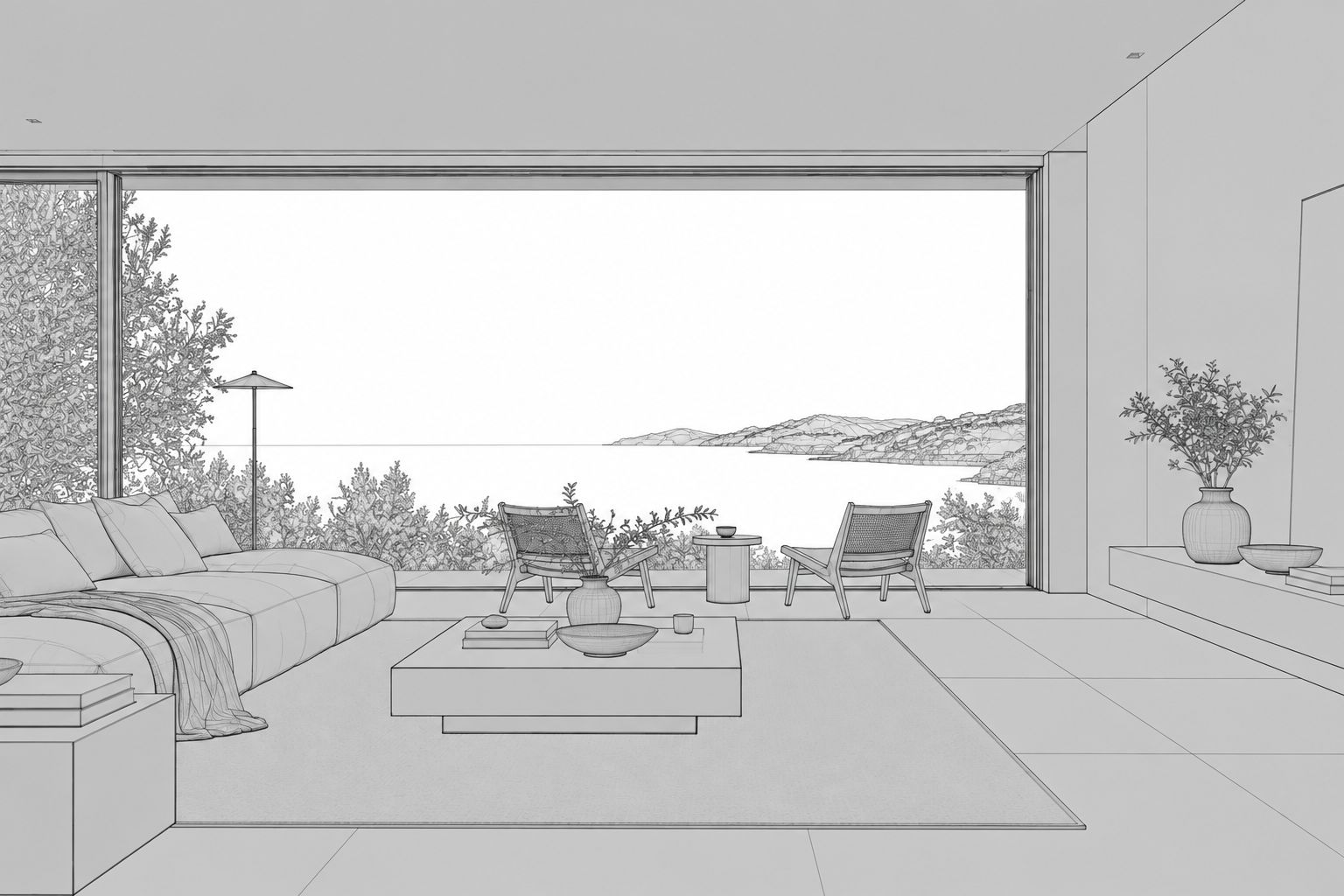
 Beforehocus render
Drag to compare.
Your first render doesn't need a single word. Export a view from SketchUp, drop it in and press Render. Hocus reads the view and makes its own choices about materials, planting and people. Your geometry stays where you put it.
That first result shows you what Hocus does on its own. After that, every field you fill in is a change you chose, and you'll see exactly what it did.
- Where blank
- Materials blank
- People blank
- Light Soft daylight (interior)
Tip: render the blank version first on every new view. It's the baseline you'll compare against.
Try it on your own model.
Try it now ↗We'll fill in the settings from this guide. You change the rest.