BASICS · G02
one view, three lights.
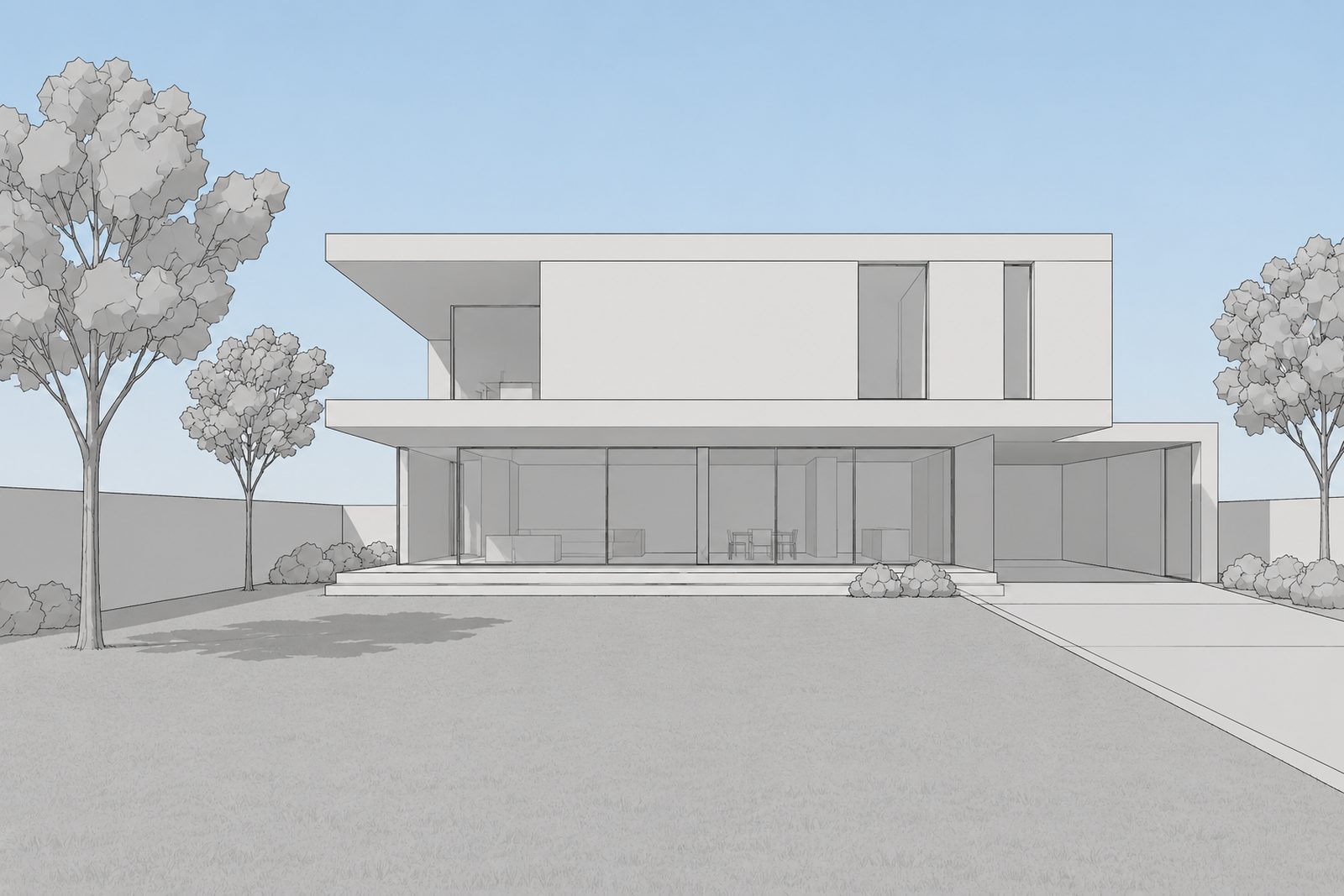
The same view at three hours, with only the light changed.
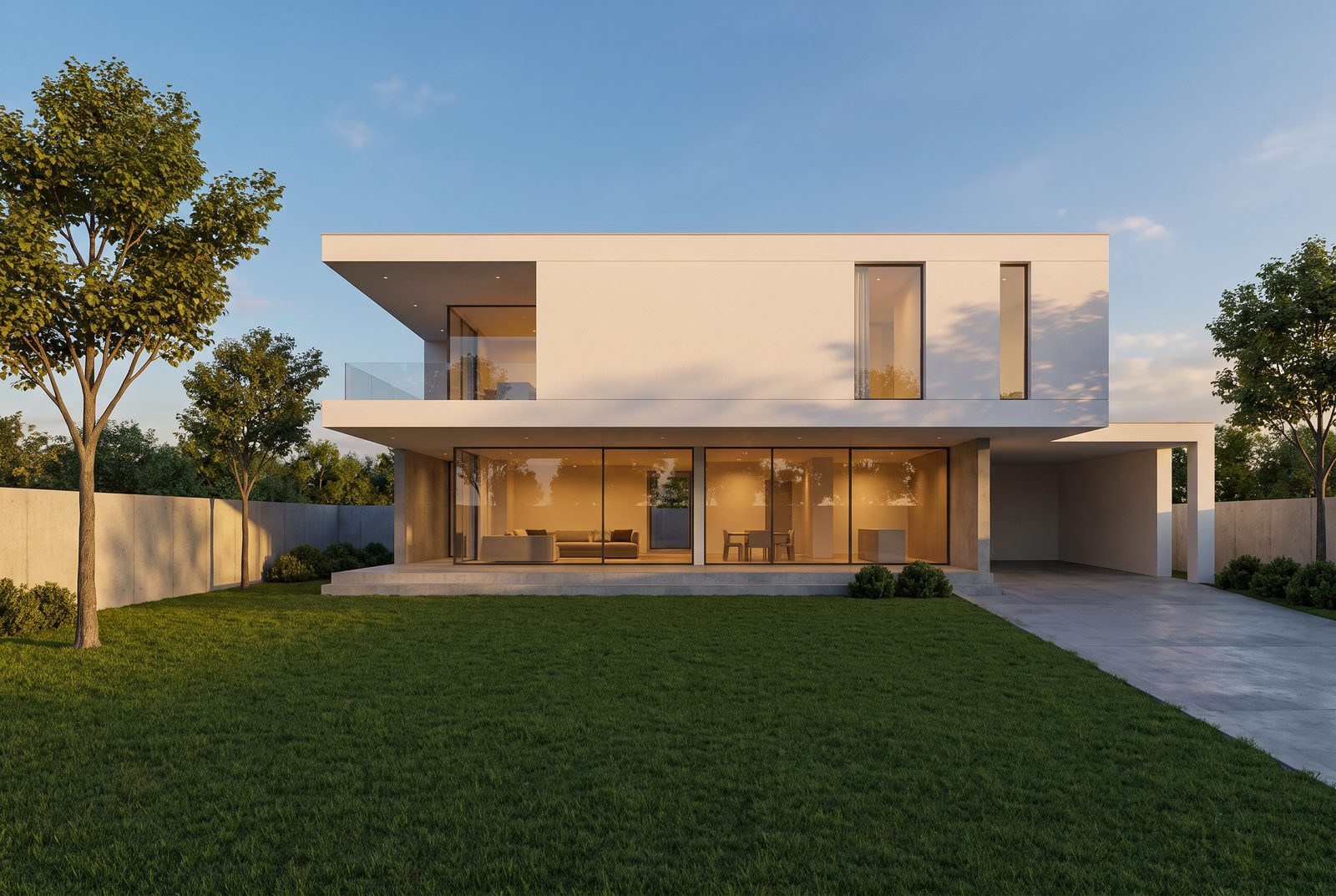 Golden hour
Drag the line. Pick a version below; change the left side from its label. Sample view made by the Hocus team; the renders are untouched.
Light changes a render more than any other field. Keep everything else blank, render once per light, and put them next to each other. Golden hour warms the stone and stretches the shadows. Overcast flattens the contrast and shows the materials honestly. Blue hour turns the windows into the light source.
Pick the light for what the client needs to see. Use Overcast for the materials and Golden hour for the feeling.
- Where blank
- Materials blank
- People blank
- Light Golden hour / Overcast / Blue hour
Tip: show a client two lights, not seven. Two is a choice; seven is homework.
We'll fill in the settings from this guide. You change the rest.