BASICS · G03
say where it is.
One line about the site, and the background follows.
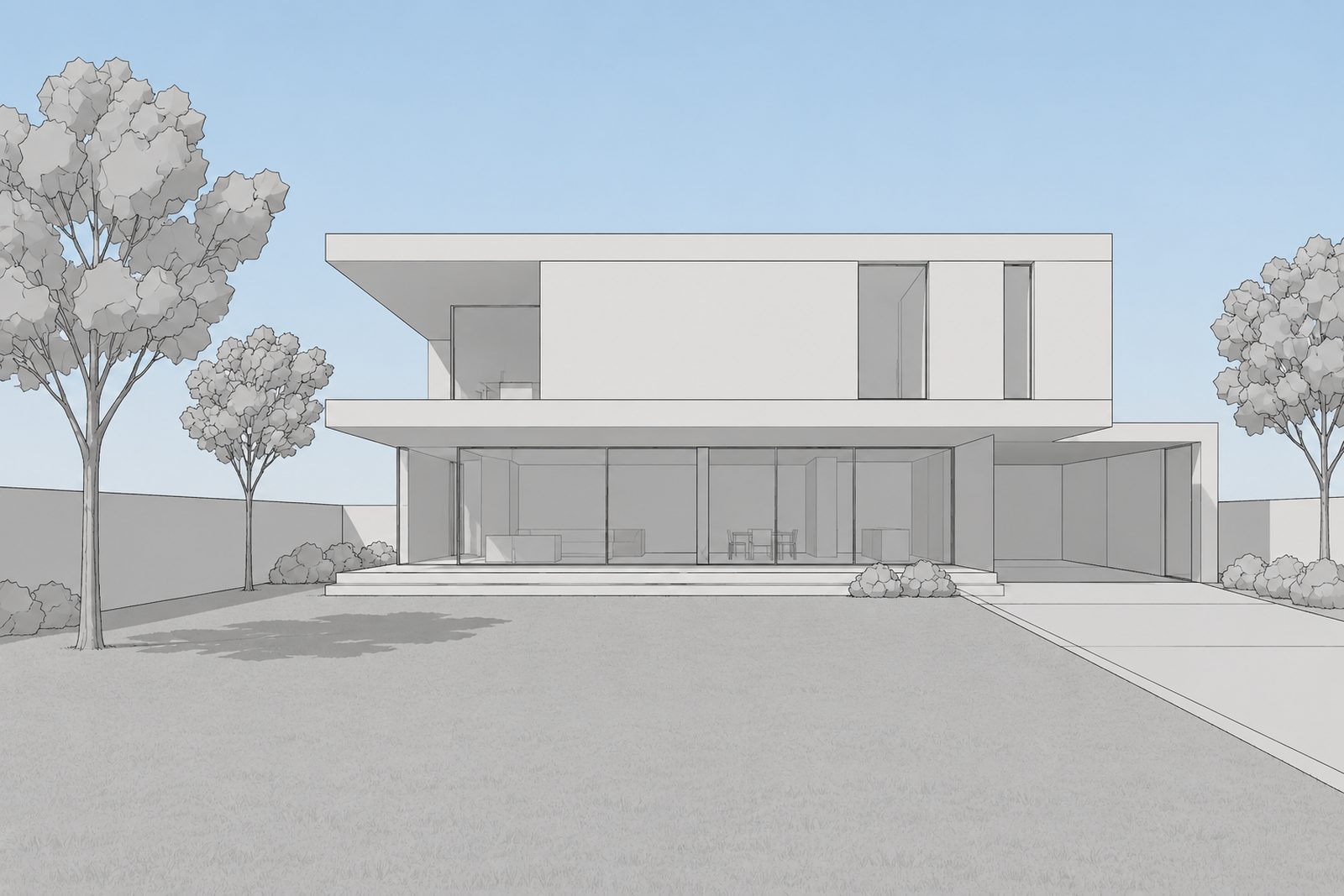
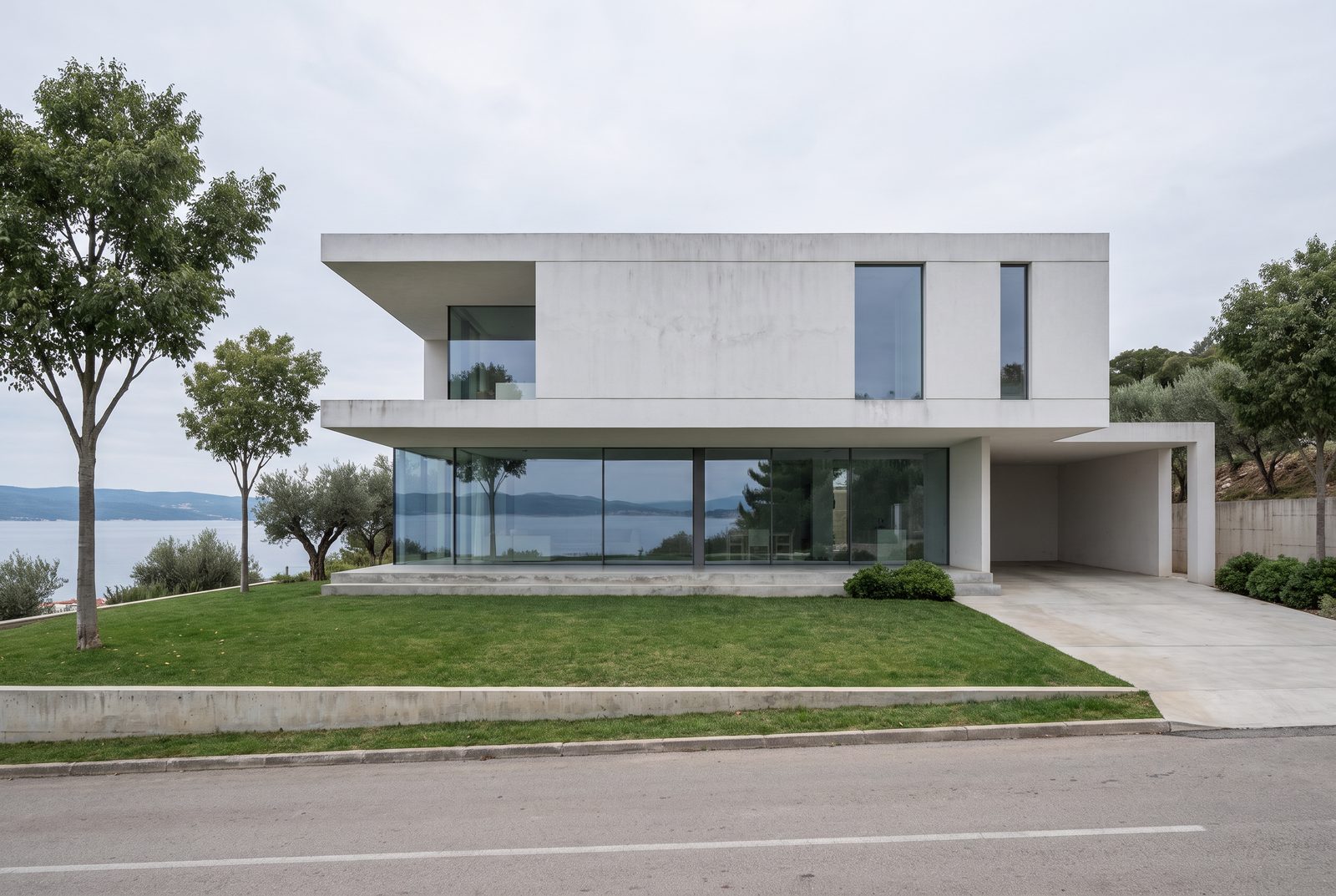 Sample viewhocus render
Drag to compare. Sample view made by the Hocus team; the renders are untouched.
Your SketchUp view usually stops at the edge of the model. Where it is tells Hocus what's past it: the ground, the neighbours, the view. Write it as you'd describe the site to someone on the phone. Say what's around it and what's visible, not a mood.
Compare this with the blank Overcast render from G02. The building is the same; the place changes.
- Where "Hillside above a calm bay, olive trees, a quiet road below"
- Materials blank
- People blank
- Light Overcast
Tip: name things you can point at (a road, a wall, a tree) rather than adjectives like "serene".
Try it on your own model.
Try it now ↗We'll fill in the settings from this guide. You change the rest.