BASICS · G04
materials that read as real.
Name the material and its finish, not just the colour.
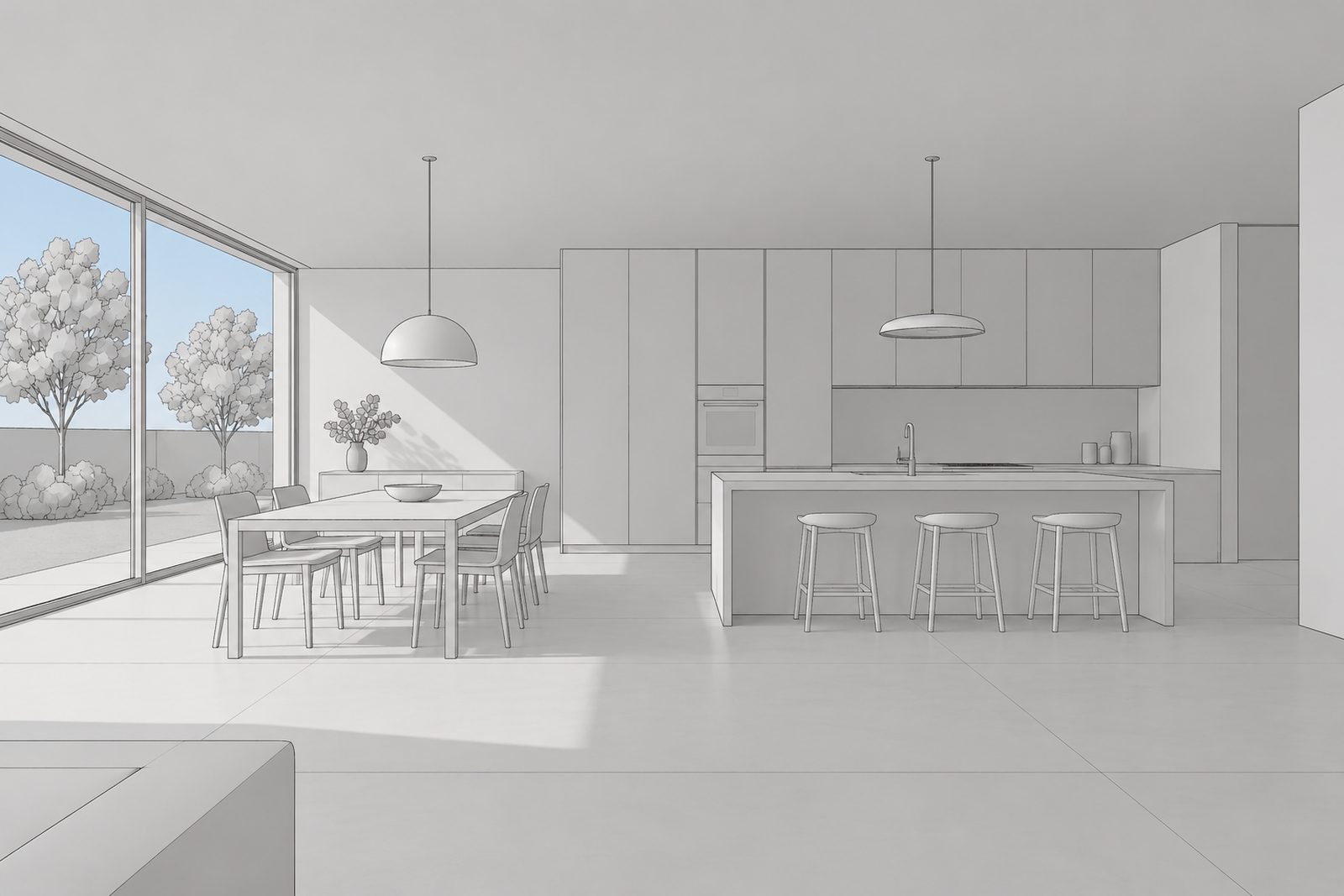
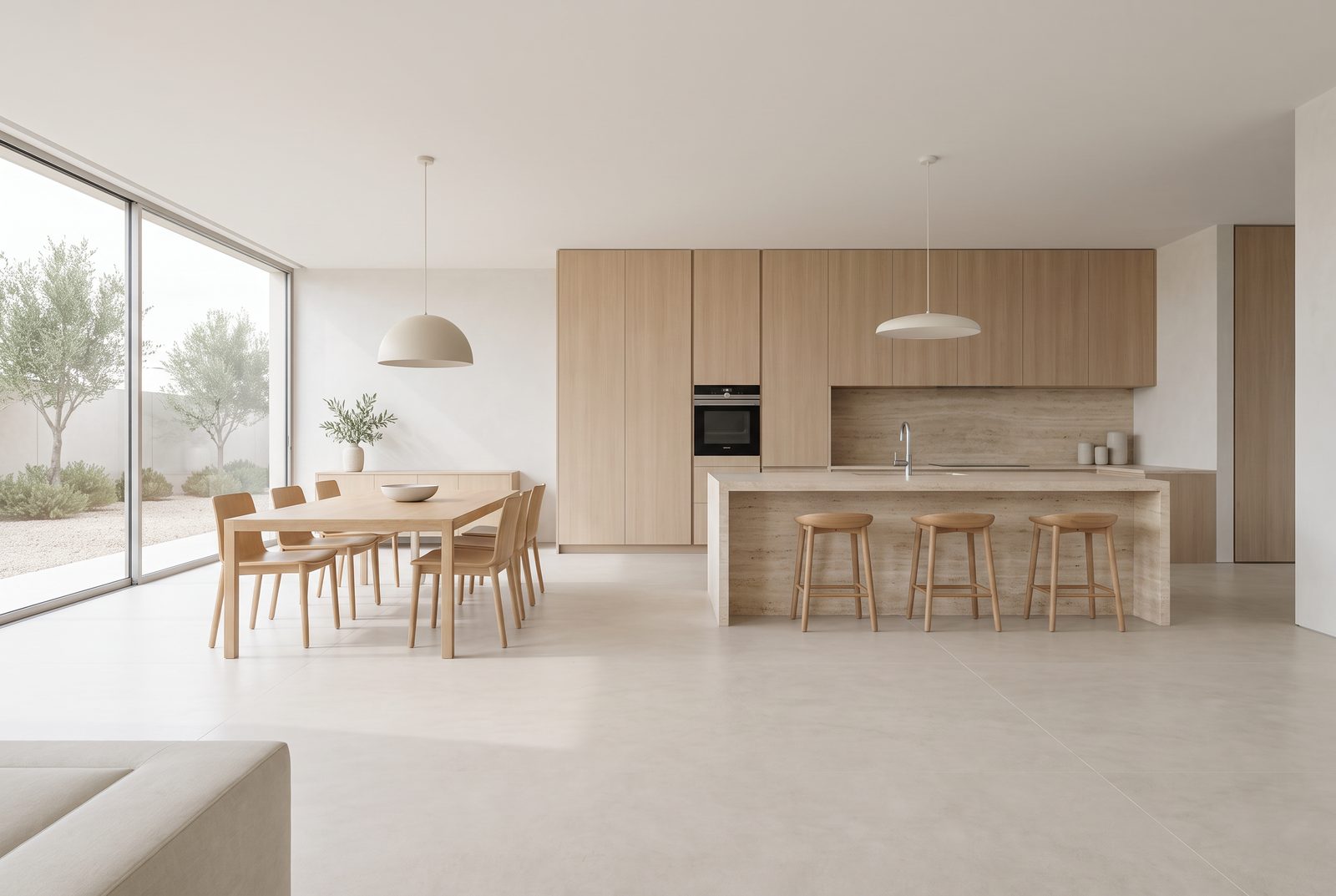 Sample viewhocus render
Drag to compare. Sample view made by the Hocus team; the renders are untouched.
"Wood" gives you a guess. "Pale oak cabinets" gives you oak. Add the finish and it gets closer still: honed, brushed, limewashed, oiled. List the big surfaces first (cabinets, worktop, walls, floor), then anything outside the window.
Hocus applies materials to the surfaces already in your model. It doesn't add new ones.
- Where blank
- Materials "Pale oak cabinets, honed travertine worktop, lime-plaster walls; an olive tree outside"
- People blank
- Light Soft daylight (interior)
Tip: three to five materials is plenty. Past that, the small ones start to fight.
Try it on your own model.
Try it now ↗We'll fill in the settings from this guide. You change the rest.